Draft. This article is awaiting technical review and may change — if anything here conflicts with advice from our team, follow the team.
Understanding ticket priorities and what to expect
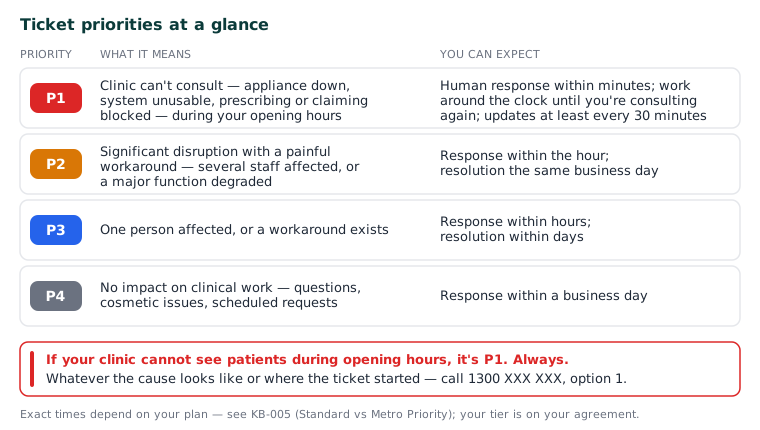
Every ticket gets a priority from P1 (most urgent) to P4, set by how many people are affected and how urgently. Here's what each means and the response you can expect.
| Priority | What it means | You can expect |
|---|---|---|
| P1 | Your clinic can't consult — appliance down, system unusable, prescribing or claiming blocked, during your opening hours | A human response within minutes, work around the clock until you're consulting again, and updates at least every 30 minutes |
| P2 | Significant disruption with a painful workaround — several staff affected, or a major function degraded | Response within the hour, resolution the same business day |
| P3 | One person affected, or a workaround exists | Response within hours, resolution within days |
| P4 | No impact on clinical work — questions, cosmetic issues, scheduled requests | Response within a business day |
Exact times depend on your plan — see KB-005 — Your SLA tier — Standard vs Metro Priority; your tier is on your agreement with Curaeon, and any ticket reply will tell you if you're unsure.
The rule that overrides everything
If your clinic cannot see patients during opening hours, it's P1. Always. It doesn't matter how small the cause looks or which category the ticket started in — our system enforces this automatically, and the fastest way to trigger it is to call 1300 XXX XXX, option 1 (KB-006 — How to report a clinic-down emergency (and what happens next)).
Three things that help us help you
- Don't inflate. Marking everything urgent slows real emergencies — including, one day, yours. The priorities exist so a receptionist's login question never queues ahead of a clinic that can't prescribe.
- Tell us if it gets worse. A P3 that starts blocking consultations is a P1 — say so on the ticket or call, and it's re-prioritised immediately.
- Clock stops, clock starts. When a ticket is waiting on information from you, our response clock pauses — the status shows this honestly as "waiting on you" rather than us marking things resolved to look good.
Related articles
- KB-005 — Your SLA tier — Standard vs Metro Priority — Your SLA tier — Standard vs Metro Priority
- KB-006 — How to report a clinic-down emergency (and what happens next) — How to report a clinic-down emergency (and what happens next)