Requesting a data export or report
Your data is yours — exports and reports are a standard request, not a negotiation. Here's how, and why the process has the safeguards it does.
What you can request
- Business reports — billing summaries, appointment statistics, practitioner activity, item-number analysis. Delivered as spreadsheets; standard versions within 3 business days.
- Custom reports — something we don't already produce. Scoped first (10 business days is typical), and once built it's yours to re-run.
- Clinical data exports — full or partial extracts of your practice's records, for accreditation, a departing practitioner's continuity obligations, or your own archival. Standard formats, on 3 business days for routine cases.
- Whole-practice export — leaving Curaeon, or want independent proof you're not locked in. It's your data; the full export path exists and works. (If you're moving to Curaeon, that's the other direction: KB-024 — Migrating from your legacy PMS — what to expect.)
How
Most business reports are self-service. In Curaeon, Reports has a practice dashboard and a report builder — pick the measure, group it, set the period, and Export CSV downloads what's on screen. No ticket needed.
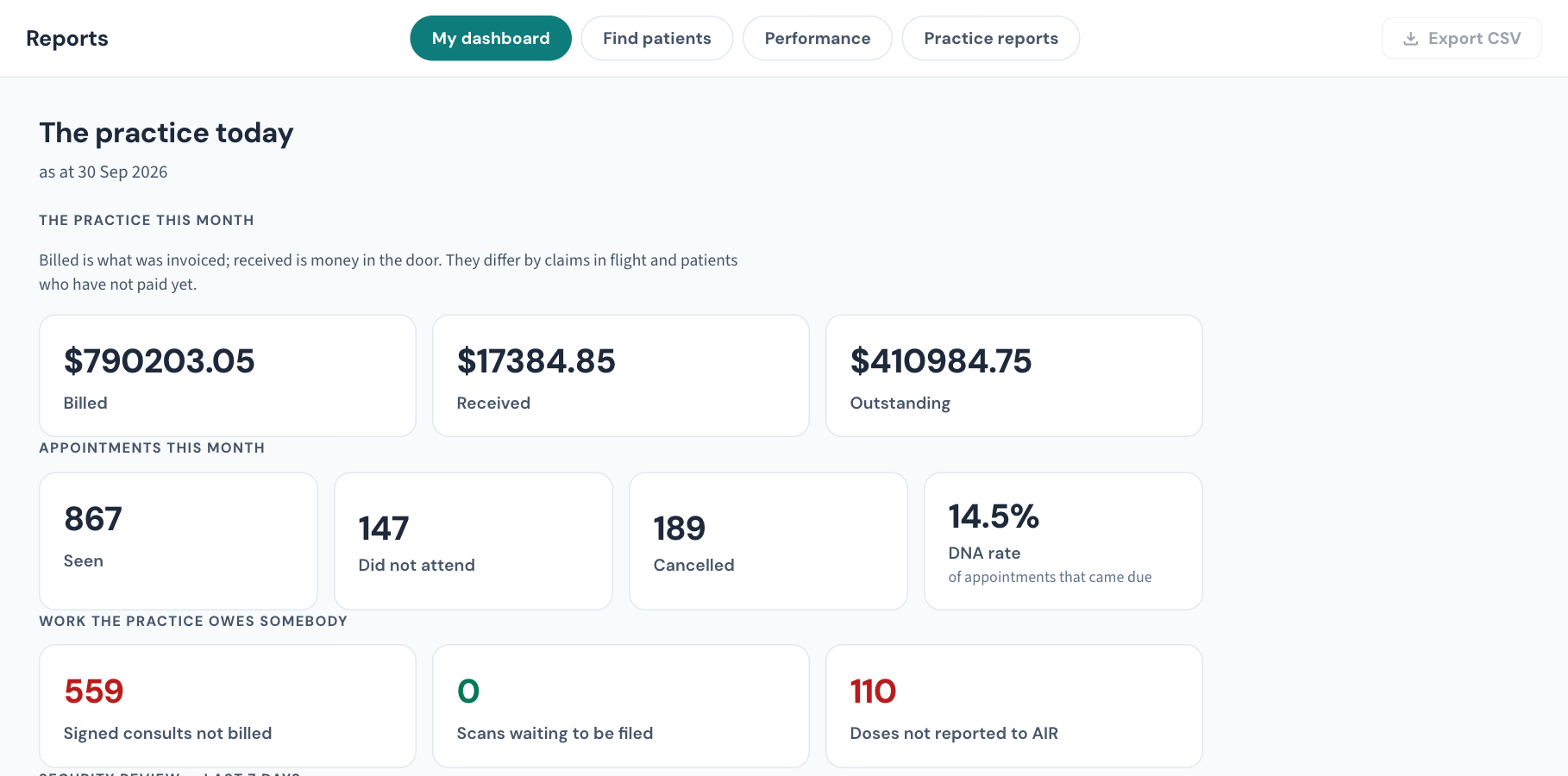
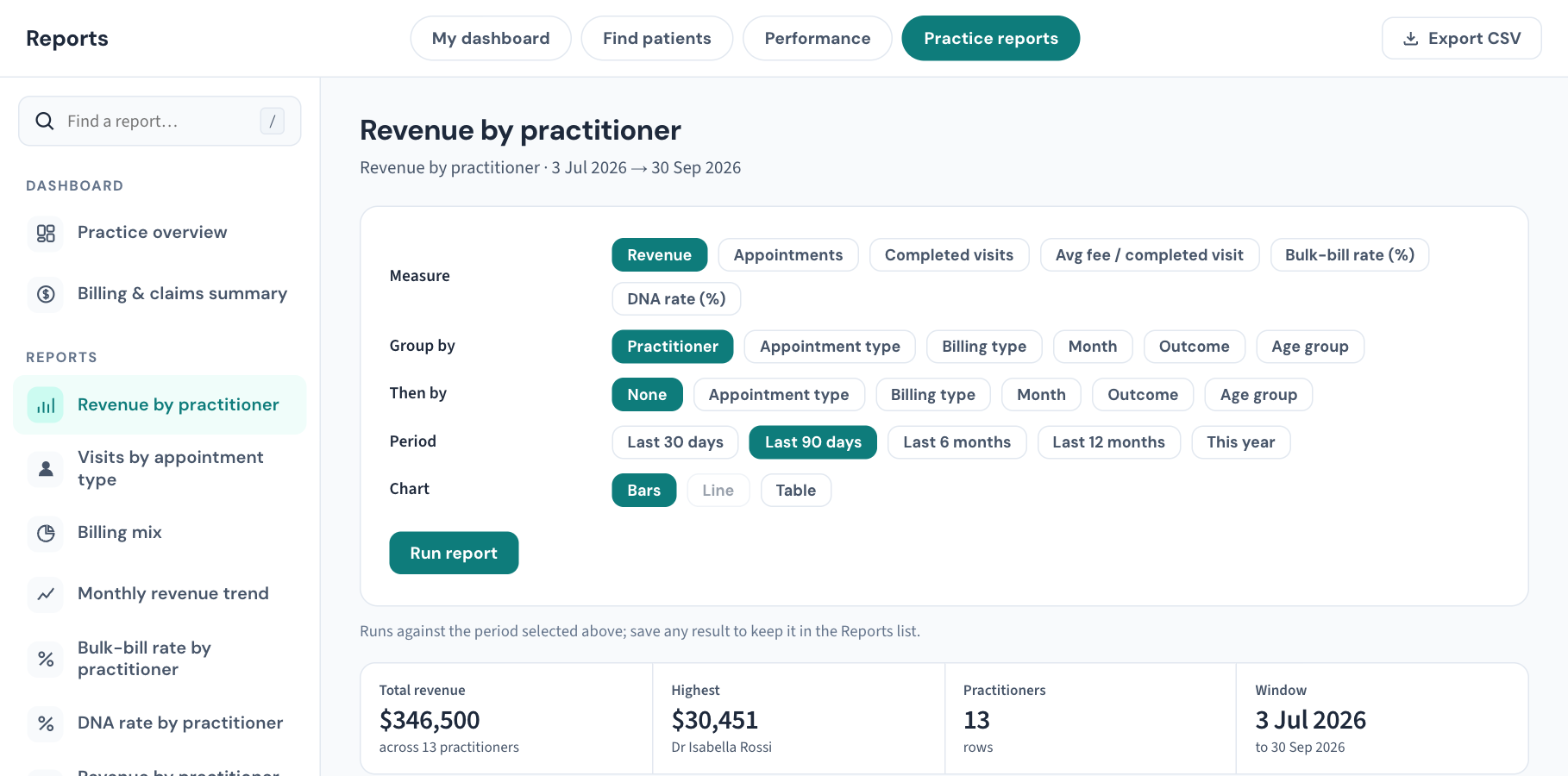
Anything the report builder can't produce — a custom report, a clinical extract, a whole-practice export — raise a Data export / report request ticket describing what, over what date range, and for what purpose (the purpose helps us suggest a better-shaped report than you might have guessed at).
Why there's an approval step — worth reading once
Every export request we fulfil needs your clinic's nominated practice contact to confirm it on the ticket, even when they're the one asking. This isn't bureaucracy for its own sake:
- A data export is the single most sensitive thing our support desk can produce — a whole-practice extract in the wrong hands is your worst privacy day imaginable.
- The approval creates an accountable record: who authorised what data to leave the system, when — which is precisely what your own privacy obligations and accreditation audits want to see.
- It's also why we'll never fulfil an export from an email or phone call alone, however convincing — a rule that protects you from social engineering more than it protects us.
Delivery is to the person who confirmed the request, through the ticket (never as an email attachment), and the download link expires.
A patient asking for their record
That's a patient request to your practice under your own privacy processes — not a Curaeon support request. The export tools above are how your practice fulfils it; the decision and the patient relationship remain yours.
Related articles
- KB-024 — Migrating from your legacy PMS — what to expect — Migrating from your legacy PMS — what to expect
- KB-007 — Why we never need patient details in a support ticket — Why we never need patient details in a support ticket
- KB-135 — Export the patient list, billing history or the whole database from Utilities → Import & export — Export the patient list, billing history or the whole database from Utilities → Import & export