Release notes: Curaeon 1.0, the first release
Released 30 September 2026. This article is the What's new entry for this release, kept in the knowledge base so it can be searched, printed and linked like any other article.
← All release notes, on What's new
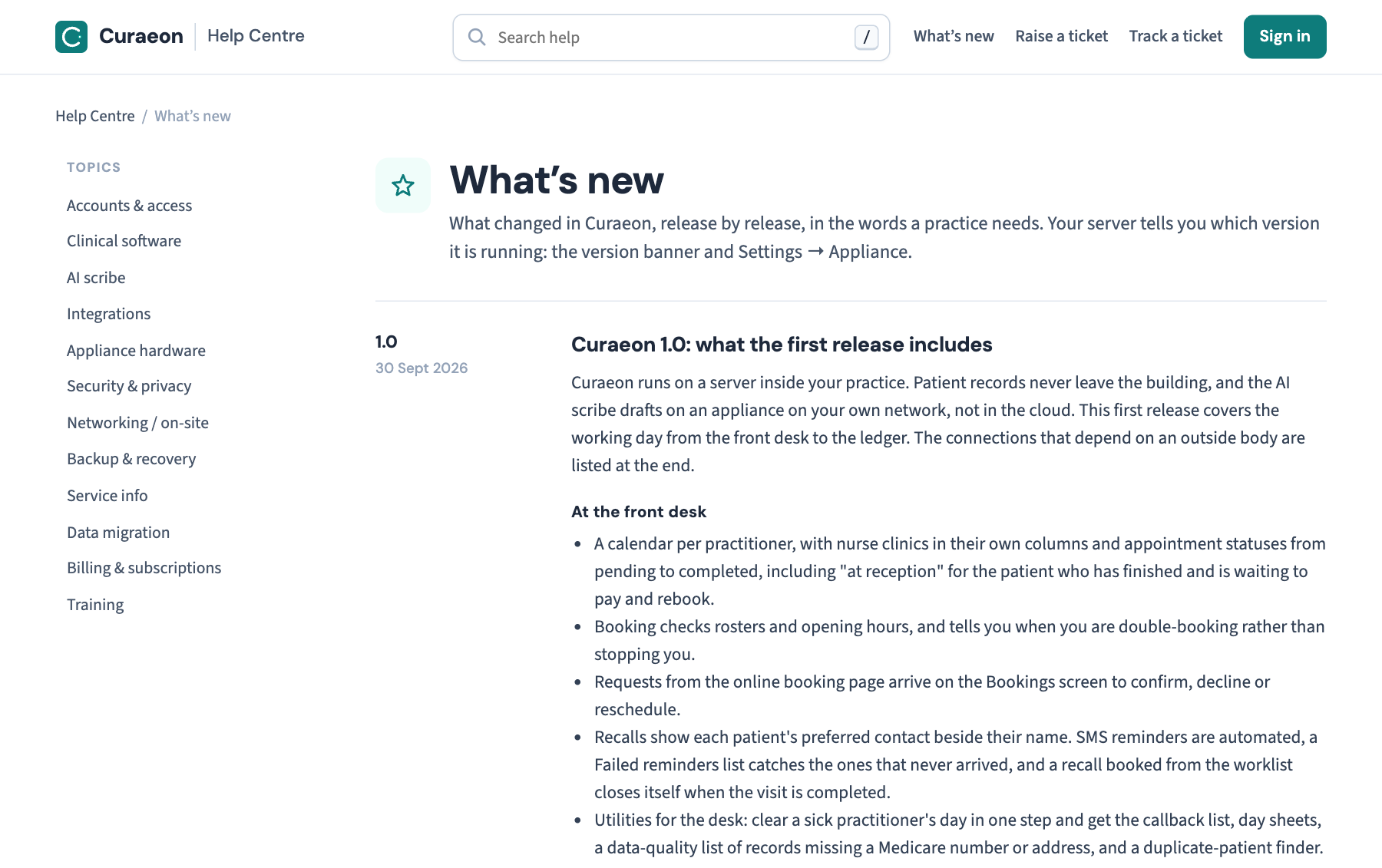
Curaeon runs on a server inside your practice. Patient records never leave the building, and the AI scribe drafts on an appliance on your own network, not in the cloud. This first release covers the working day from the front desk to the ledger. The connections that depend on an outside body are listed at the end.
At the front desk
- A calendar per practitioner, with nurse clinics in their own columns and appointment statuses from pending to completed, including "at reception" for the patient who has finished and is waiting to pay and rebook.
- Booking checks rosters and opening hours, and tells you when you are double-booking rather than stopping you.
- Requests from the online booking page arrive on the Bookings screen to confirm, decline or reschedule.
- Recalls show each patient's preferred contact beside their name. SMS reminders are automated, a Failed reminders list catches the ones that never arrived, and a recall booked from the worklist closes itself when the visit is completed.
- Utilities for the desk: clear a sick practitioner's day in one step and get the callback list, day sheets, a data-quality list of records missing a Medicare number or address, and a duplicate-patient finder.
The patient record
- Demographics, diagnoses, medicines, allergies, observations with trends and growth charts for children, results, documents, immunisations, family history, care plans, invoices and visit history in one place.
- A record can be restricted to named staff. Emergency access asks for a reason and your own password, and is reported to the practice manager at once.
- Recording that a patient has died or left stops reminders and letters going to them, and cannot be overridden.
The consultation
- Notes in History, Examination, Assessment and Plan, signed off with a trail: a signed note can be corrected, never silently.
- With the patient's consent, recorded at each visit, the AI scribe transcribes the consultation and drafts History, Examination and Plan. It never writes the Assessment and never suggests a billing item.
- Dictation into any section, refining one section at a time, follow-ups offered from the Plan, and letters drafted from the consult for you to edit and sign.
- If the appliance is off, everything else works. Notes are typed as in any other system and nothing already recorded is lost.
Prescribing, requests and results
- PBS search by drug or brand, authority items marked, owing scripts tracked by pharmacy, and a printable medication summary chart, including a facility round for aged-care residents.
- Pathology and imaging requests, a Requests list of what has not come back, an Inbox for review, a cumulative view of results per test, and Follow-up for anything nobody has actioned.
- Assessment tools scored and filed: PHQ-9, K10, DASS-21, GDS-15, AUDIT-C, AUSDRISK, cardiovascular risk, MMSE and a printable asthma action plan.
Letters and documents
- Referrals, specialist letters, certificates and care plans from templates, with merge fields, insert-from-record, tables and page breaks. Every letter is filed to the record whether it is printed or sent.
- Letters emailed to patients go as password-protected PDFs, the date of birth by default, that look like the letter on screen.
- Scanned paper is filed from a tray to the patient, dated by the date on the letter, and lands in the Inbox for a doctor to review. The appliance pre-reads each page and suggests the patient, the kind of document and the date; a person always decides.
Billing
- Invoices from the MBS schedule your practice loads: issue, take payment, receipt, and correct by void and reissue. Curaeon does not suggest item numbers.
- Aged debtors, statements and statement runs, end of day, and bank reconciliation from CBA, ANZ, NAB and Westpac statement exports.
- Medicare claiming goes through Tyro Health Online once your practice's Tyro onboarding is complete. Until then, Send to Medicare shows exactly what would be sent and names anything that would block it.
Security and the practice manager
- Two-step sign-in for everyone, sign-out after inactivity, and an audit log of who opened and changed what that nobody can edit or delete.
- A weekly security review to read and sign off, backups the server itself cannot delete, and a restore drill to rehearse.
- Records retention: the periods the law sets, legal holds, deliberate destruction of records past their period, and a register of what went.
Not in this release
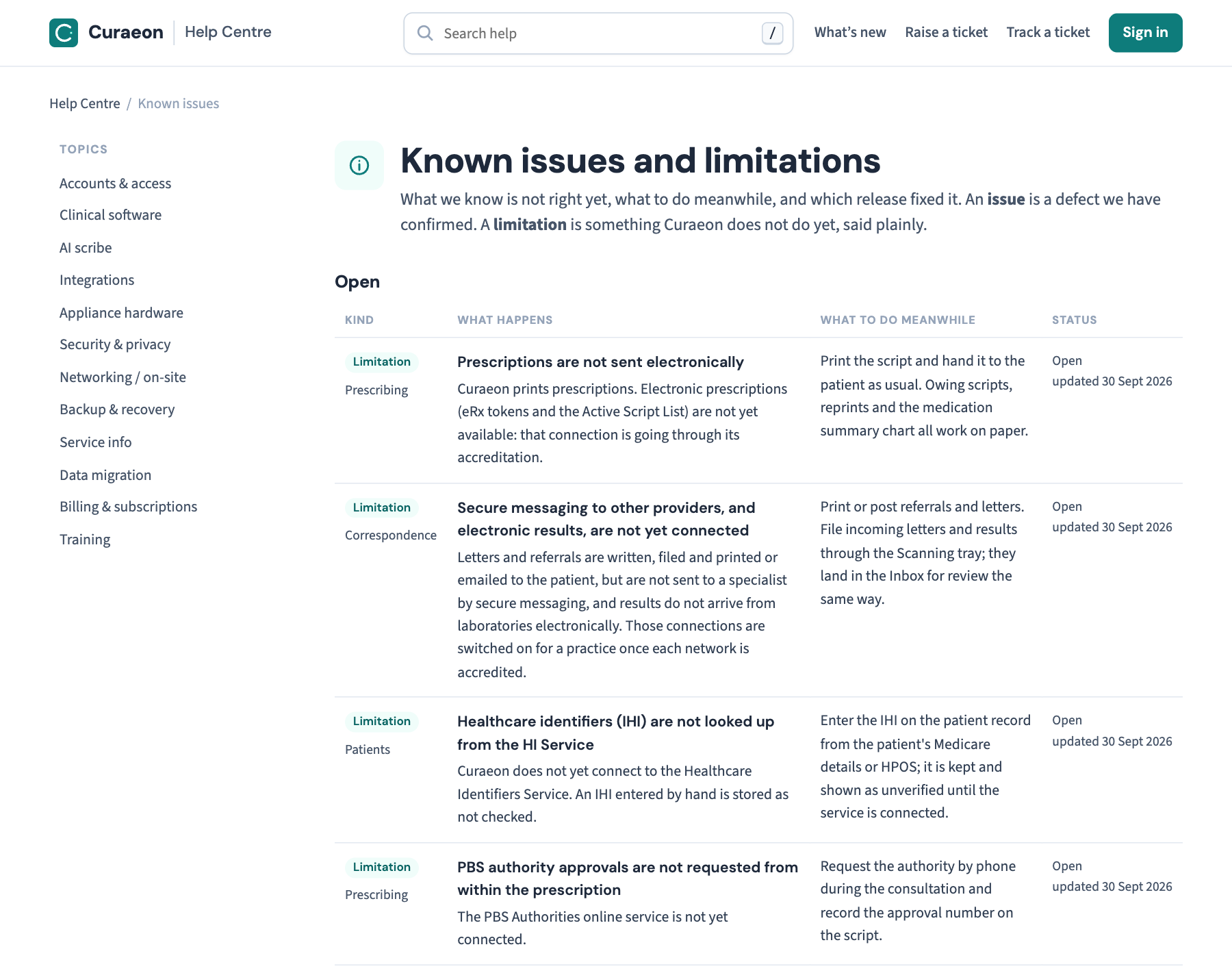
- Anything that depends on an outside body being connected: secure messaging to specialists and electronic results from laboratories, electronic prescriptions, the Healthcare Identifiers Service, submissions to the Australian Immunisation Register, PBS authority requests and MyMedicare checks. These are switched on for a practice as each connection is accredited. Until then scripts print on paper, immunisations are submitted through the AIR portal, authorities are requested by phone, and the IHI is typed onto the record. Each is on the Known issues page with what to do meanwhile.
- A printed letter of more than one page does not carry the patient's name on its later pages; the emailed PDF does. Staple printed letters. This is on Known issues too.
Which version am I running?
Your server tells you: the version banner at the top of every screen, and Settings → AI Appliance. If the banner says the server and the web application differ, the server was not restarted after an update. See KB-037 — Screens blank or behaving oddly after an update: the version-mismatch banner for that.
← Back to What's new for every release, newest first.
Something not working as described? Check Known issues first, then raise a ticket with the time it happened and what the screen said, never a patient's details.
Related articles
- KB-082 — What to have ready before you contact support — What to have ready before you contact support