Getting started with the Curaeon support portal
Everything your clinic needs from Curaeon support lives at support.curaeon.com.au — here's the five-minute tour.
Signing in
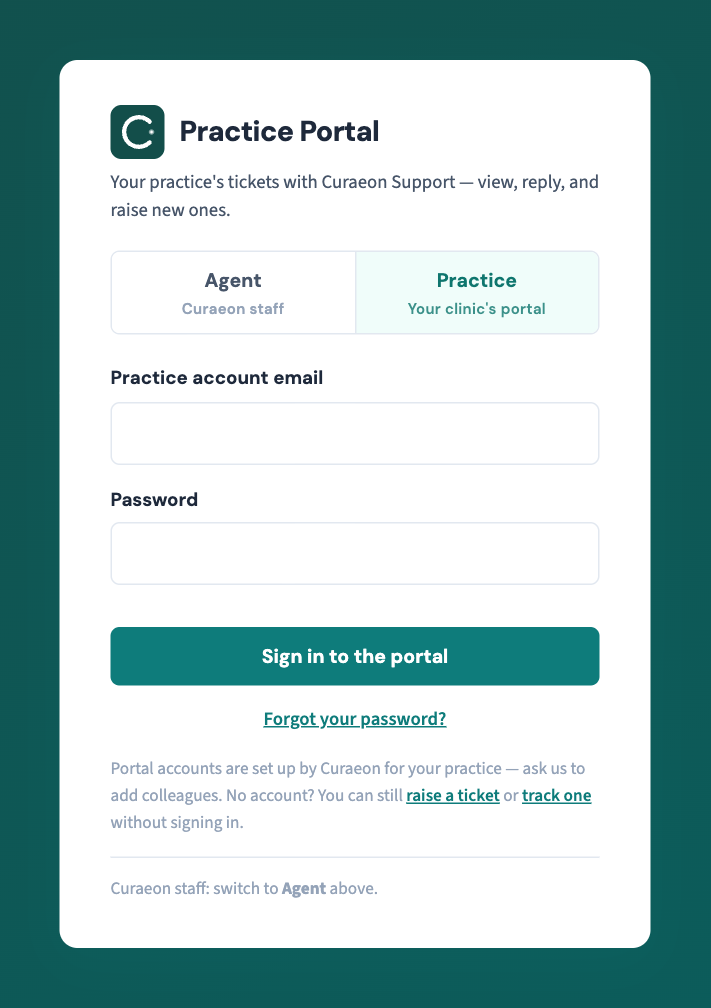
Curaeon sets up your practice's portal accounts — ask us to add colleagues (KB-003 — Add or deactivate a portal user for your clinic). You'll receive an email with a temporary password; sign in at the Practice tab and you'll be asked to choose your own.
What you'll find
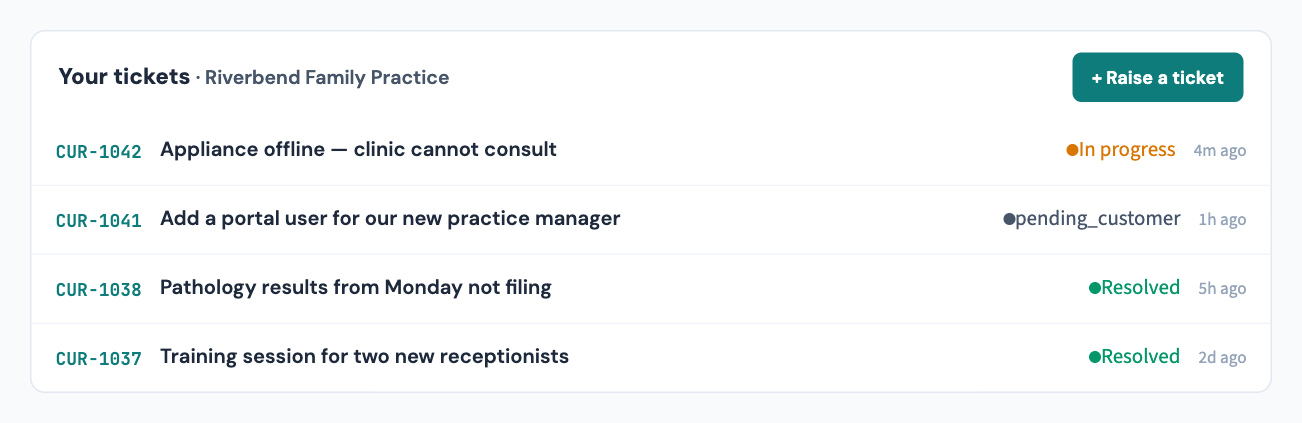
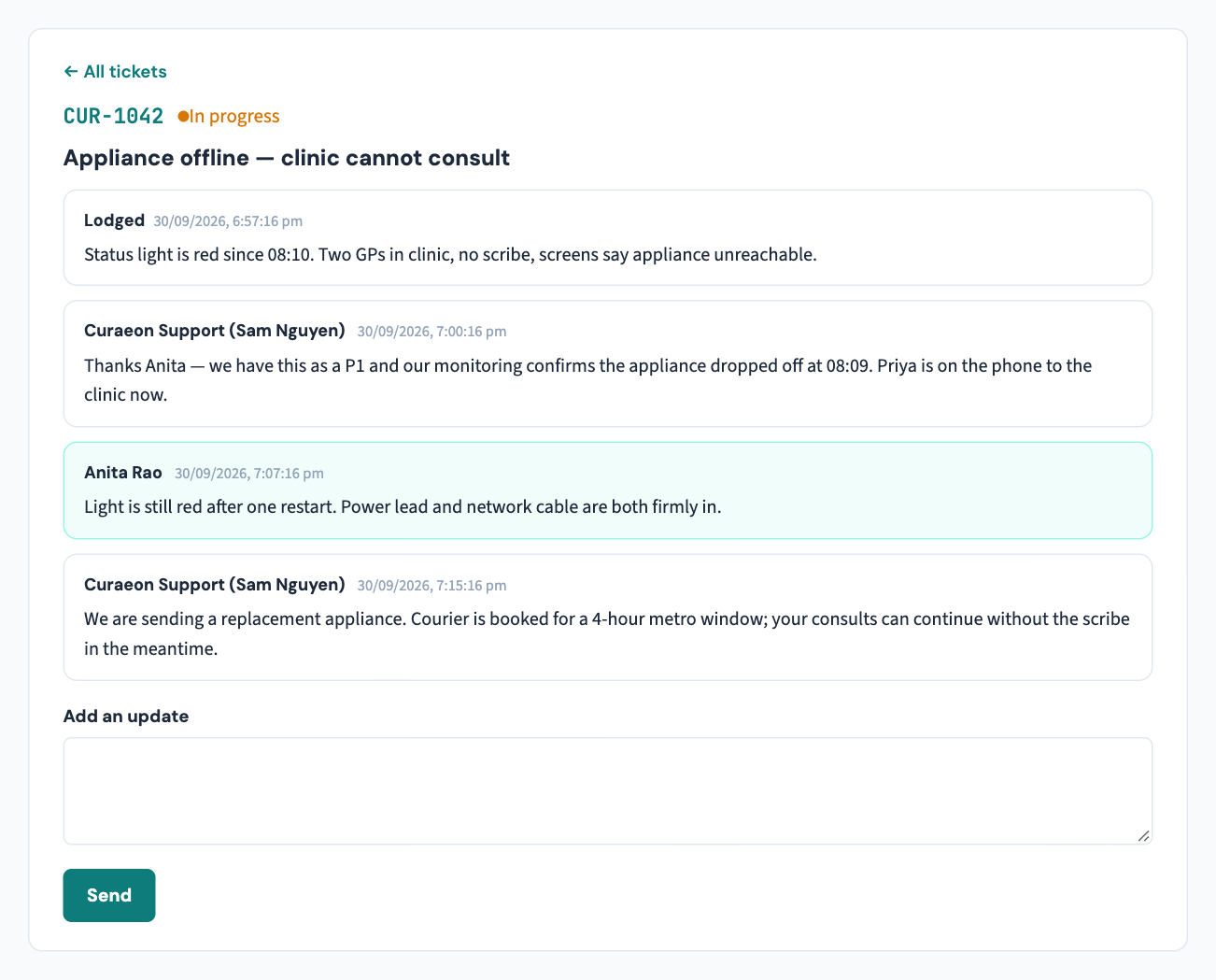
- Your tickets — everything your clinic has raised, with live status against each. Open a ticket to read the thread and add an update; our replies appear in the same place.
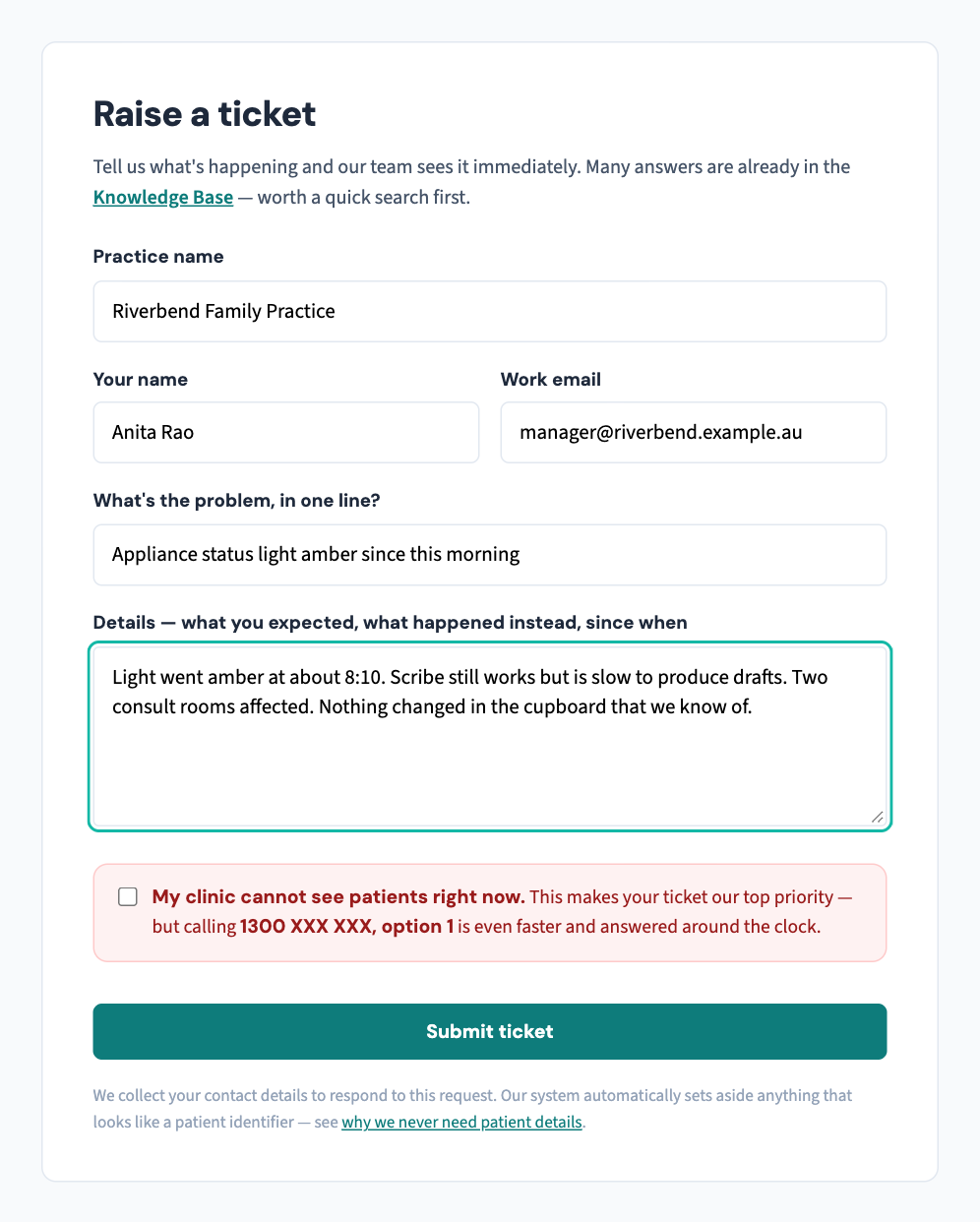
- Raise a ticket — one line for the problem, a few for the detail, and a box to tick if your clinic cannot see patients.
- Search — the Knowledge Base is open to everyone, no sign-in needed. Start typing your problem before raising a ticket; the answer is often already written, and it's faster than any response time we could promise.
You don't need an account to raise or track a ticket — the public forms at support.curaeon.com.au work for anyone at your practice, using your ticket reference and the email it was lodged with.
Raising a good ticket
Say what you expected and what happened instead, and since when. And — genuinely — leave patient details out. We never need them, and anything that looks like a patient identifier is set aside automatically before an agent sees it (KB-007 — Why we never need patient details in a support ticket).
Installing it as an app
On your phone or tablet, the portal installs like an app: Share → Add to Home Screen (iPhone/iPad) or the install prompt in the address bar (Android/desktop Chrome). You'll get push notifications for ticket updates if you opt in.
One number to remember
If your clinic cannot see patients because of a Curaeon issue: don't type — call 1300 XXX XXX, option 1. Support is staffed Monday to Friday, 8:00–18:00 Sydney time; outside those hours a call or text to the same number is answered on a best-effort basis.
Related articles
- KB-002 — Reset your password or MFA for the support portal — Reset your password or MFA for the support portal
- KB-003 — Add or deactivate a portal user for your clinic — Add or deactivate a portal user for your clinic
- KB-006 — How to report a clinic-down emergency (and what happens next) — How to report a clinic-down emergency (and what happens next)