AI scribe — getting the best transcription quality
The scribe is very good and not magic. These habits are what separate practices that love it from practices that fight it.
The audio is everything
The model can only be as good as what the microphone hears:
- Microphone position: roughly equidistant between doctor and patient, not behind the monitor or under a paper tray. If your drafts consistently attribute one speaker better than the other, the microphone is closer to that person — move it.
- The predictable enemies: desk fans aimed at the mic, keyboard clatter directly beside it, and open-window traffic noise degrade accuracy far more than accents or fast speech do.
- One consult, one room: door open to a busy corridor means the scribe hears the corridor too.
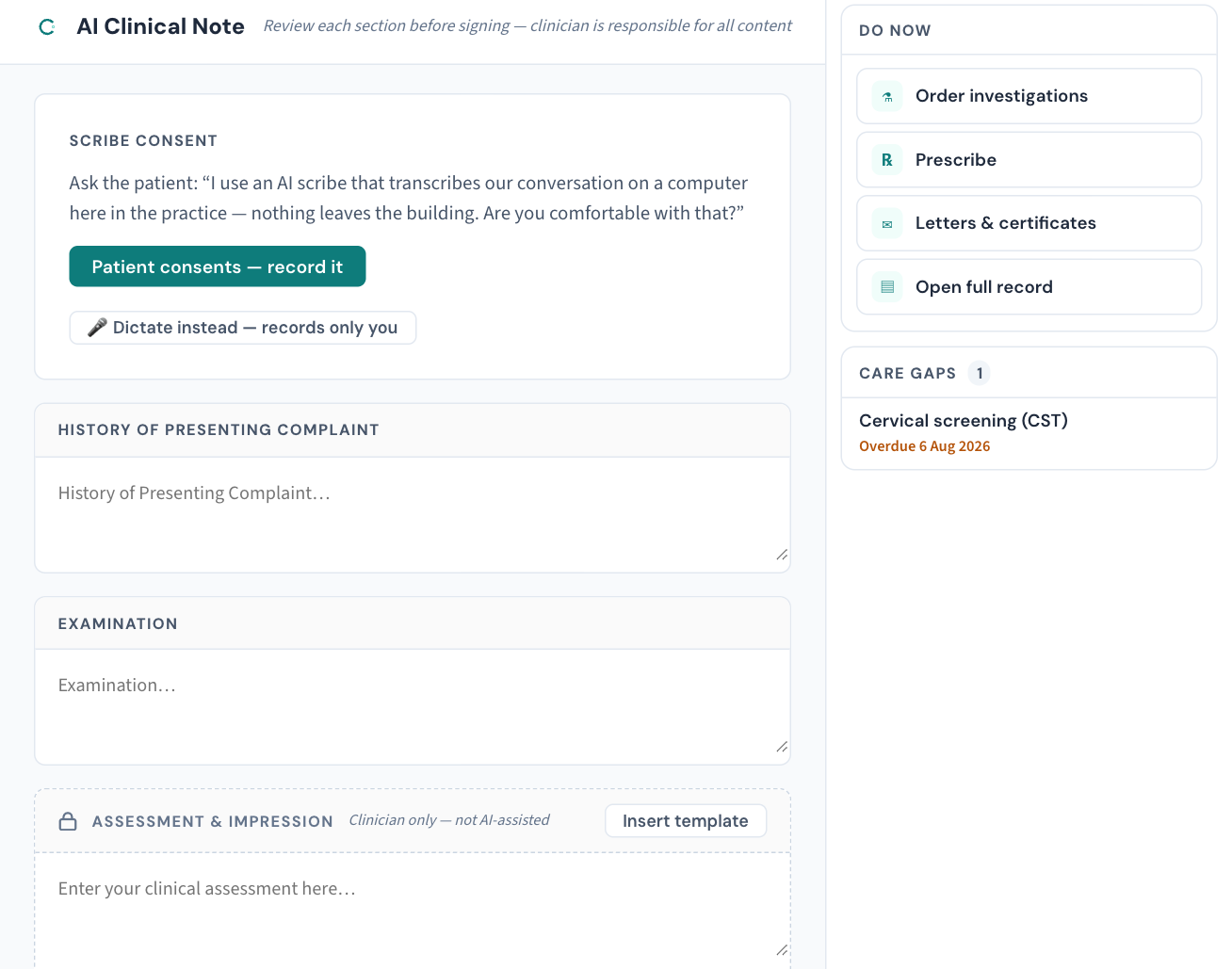
Dictating vs conversing
You don't need to speak differently for the scribe — it's built for natural consultation. But two habits pay off:
- Say numbers and drug names at normal pace rather than rushing them; these carry the highest cost when misheard, and the model treats clearly spoken dosages far more reliably.
- Verbalise what matters. The scribe documents what was said — an examination performed in silence isn't in the audio, so it isn't in the draft. Doctors who narrate briefly ("blood pressure one-thirty over eighty-five") get drafts that need less completion.
The habit that matters more than all others
The draft is a draft. Review it before it enters the record — every time, no exceptions, however good it's been for the last hundred consults. That's not a disclaimer; it's how the product is designed to be used: the scribe does the typing, the clinician does the deciding. Practices that treat review as optional are using a different product from the one we built.
When quality drops suddenly
A scribe that was fine last week and rough today is a symptom, not a mood: check the microphone hasn't been moved or muted, nothing new is making noise, and the appliance is healthy (KB-010 — Appliance status lights and what they mean). Still off? Report it — quality reports are genuinely wanted: KB-016 — Reporting an AI scribe quality concern.
Related articles
- KB-015 — AI scribe consent workflow explained — AI scribe consent workflow explained
- KB-016 — Reporting an AI scribe quality concern — Reporting an AI scribe quality concern